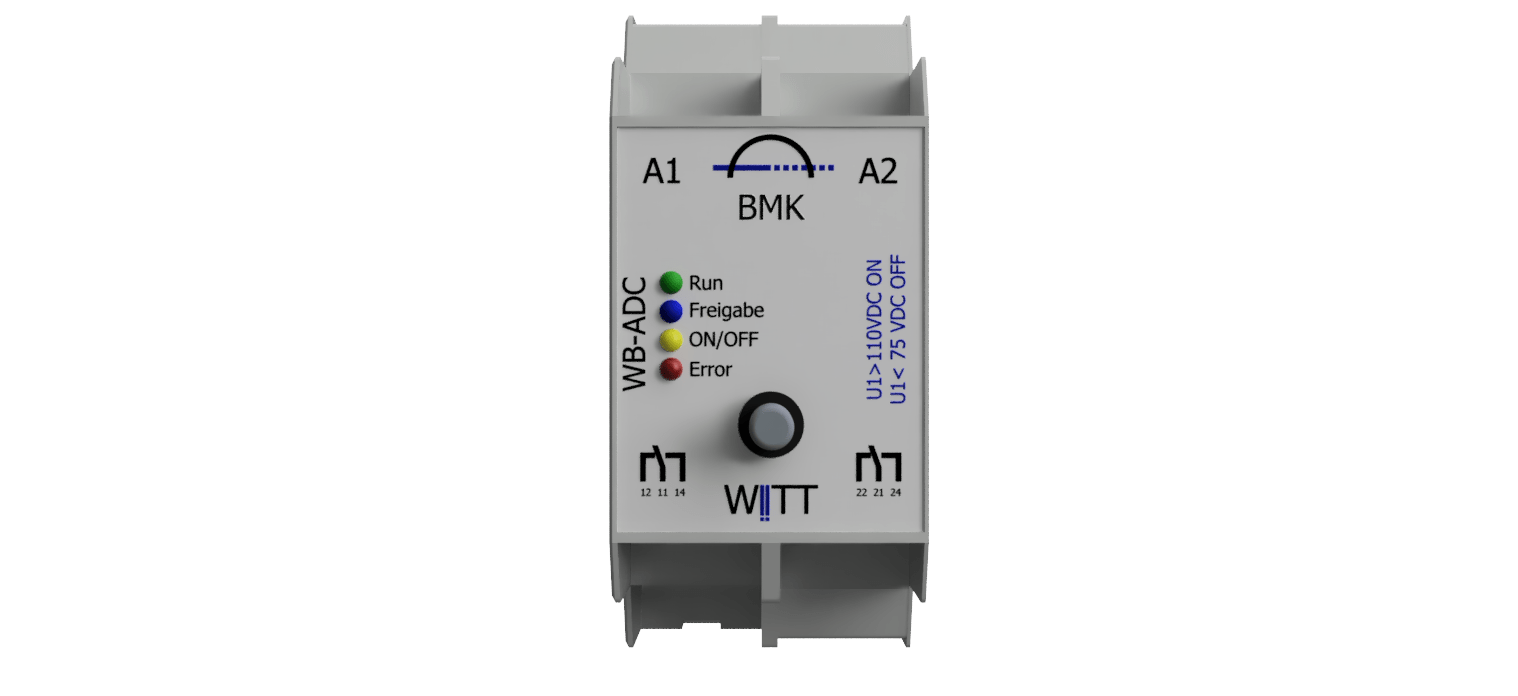
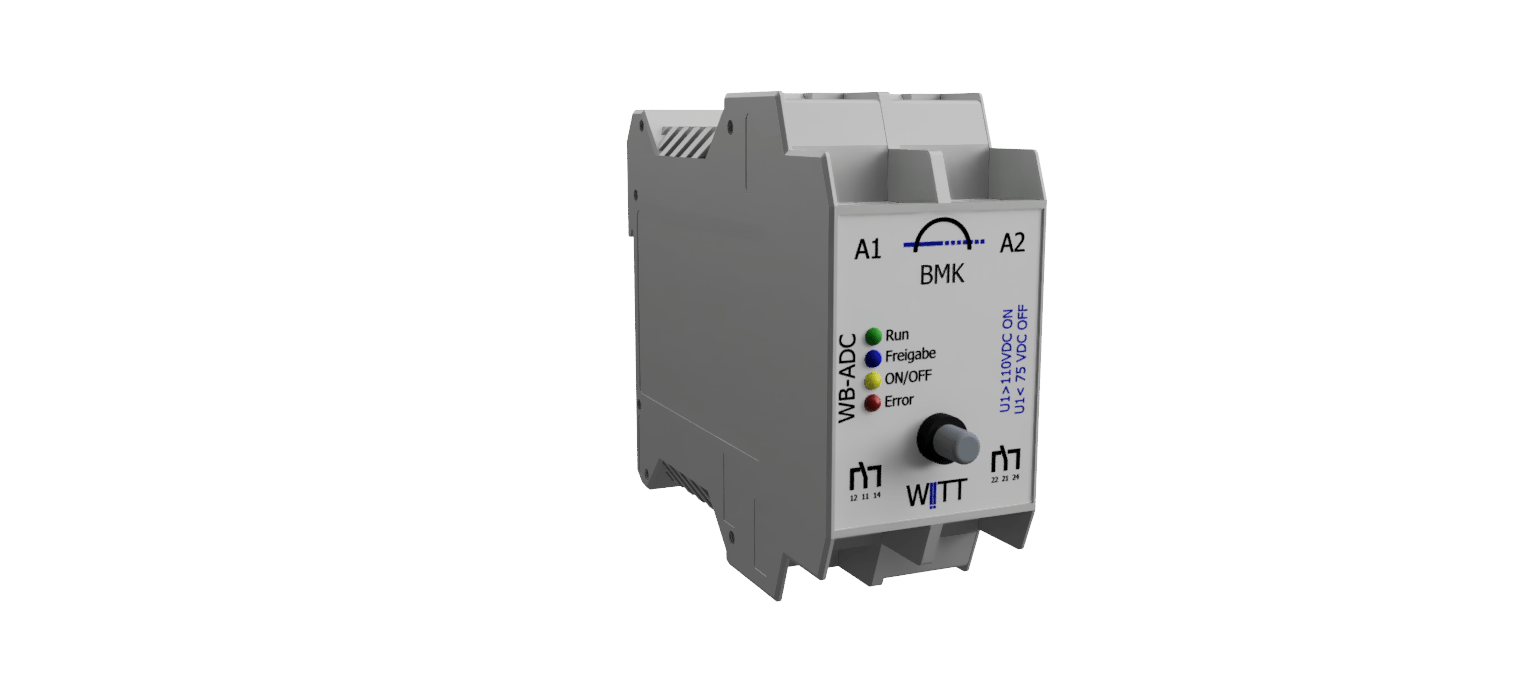
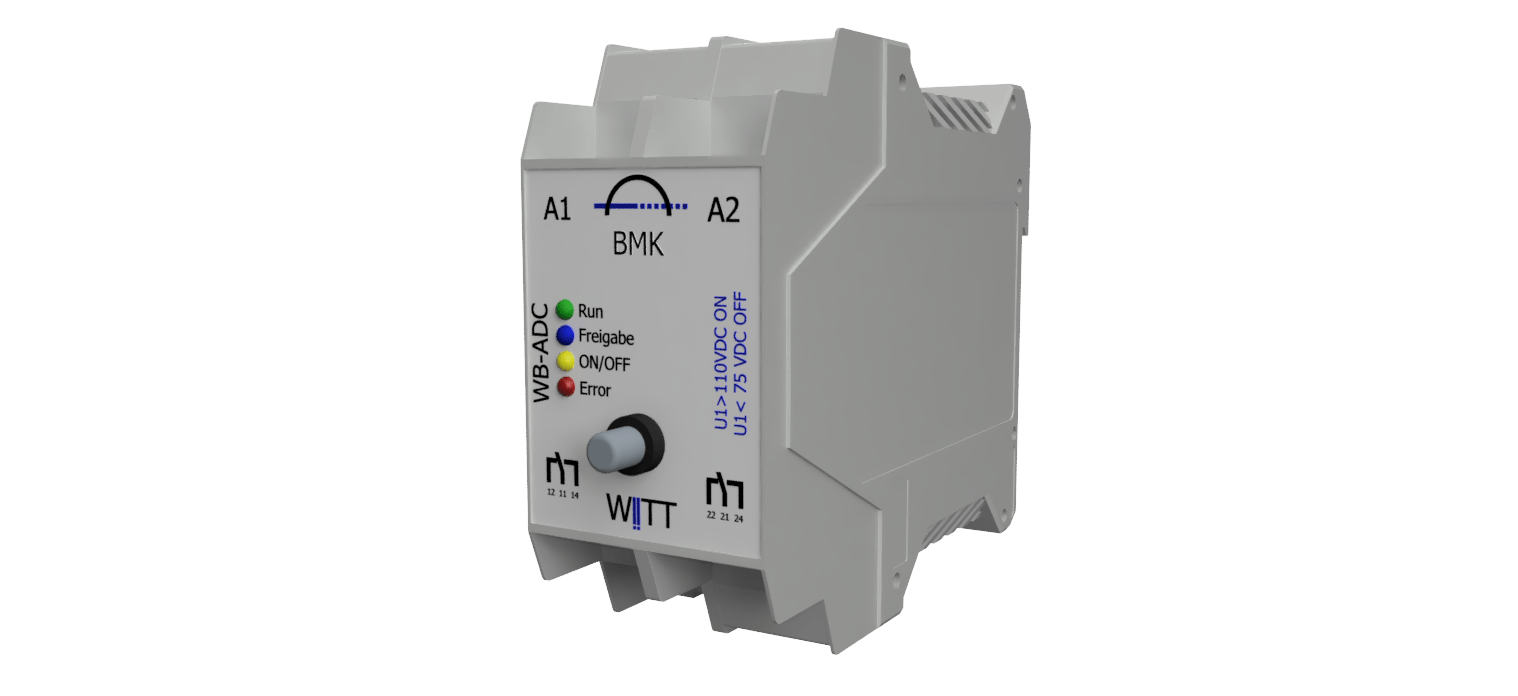
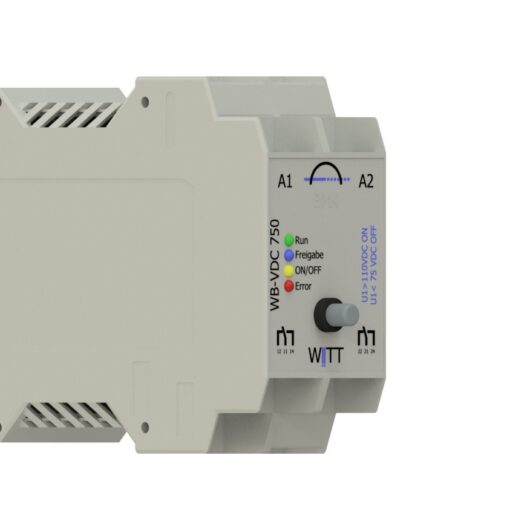
WB-CAI | WB component for calculating electrical currents

Here you can find out more Vertriebsanfrage

Determines direct currents and their directions of flow.

  • Continuous voltage withstand: 3000 VDC

  • high safety standards

Description

The ‘WB-CAI’ functional module is used wherever electrical fluxes are measured and the associated currents are monitored. Furthermore, the data collected can be used to pass on control decisions to third-party systems.

Function

The following measurement functions can be carried out, evaluated and displayed via digital outputs or (where available) transmitted via a data logger:

  • Detects overcurrent and undercurrent

  • Determines flow directions

  • Energy measurement

  • Storage of the maximum current value measured by the system since the last reset or commissioning

Depending on the expected current, the currents can be calculated in various ways:

1.) Right on the device

  • DC currents of up to 20 A can be measured by connecting directly to the system

2.) Shunt resistor

  • Incorporation of a shunt resistor connected in series in the circuit

  • Via external sensors up to 6 kA

  • Calibration of the sensor measuring unit

  • plus an auxiliary supply of ±15 V/6 W and a 4–20 mA input

3.) Hall sensor measurement

  • Integration of a Hall sensor measurement by encircling the live cable.

  • No impact on the infrastructure

  • External sensors up to 6 kA

  • Calibration of the sensor measuring unit

  • plus an auxiliary supply of ±15 V/6 W and a 4–20 mA input

General data

Supply voltage

24VDC /400mA

Power consumption

5-15W

Humidity

0 …100 %, non-condensing

Outdoor temperature range

-20 … 50 °C

Housing / Design

T2 (1 TE = 18 mm) (B x H x T) 36mm x 99mm x 105mm
If option WB-MC T3 (B x H x T) 68mm x 99mm x 105mm
If “Measurement Display” option T4 (B x H x T) 90mm x 99mm x 105mm

Side-by-side housing

Protection rating IP 20

Mounting on a 35 mm DIN rail in accordance with EN 60715

Mains connection and inputs and outputs:

– Screw terminals,
– Stripping length 9–10 mm
Note: To connect potential-free contacts to
the actuator inputs, use cables with twisted-pair
conductors.
The following conductor cross-sections are permitted:
– Solid core 0.5–2.5 mm²
– stranded, with pin-type cable lug, gas-tight crimped 0.5–2.5 mm²
– stranded, with ferrule 0.5–1.5 mm²
– stranded, untreated 1.0 and 1.5 mm²

Weight

ca. 400g

Technical data

Analogue input channels (measurement channels)

The rated voltages are based on the typical power supply for DC railways.

Shunt measurement in input sections

0-60mV

0-1000mV

Hall sensor input section

4-20mA

0-100mA

0-200mA

0-20mA

measurement accuracy

See measurement channel variants

There are two types of measurement channels:

Product type

withe line

silver line

Measurement channels

2

Samplingrate

up to 15kHz

up to 25kHz

Resolution

up to8 Bit

up to 16 Bit

measurement accuracy

5% from the maximum value

0,5% from the maximum value

Digital output channels

Quantity

2

Technology

Relay with 2 separate changeover contacts (NC/ NO)

Switching voltage

max. 250 V

Switching current

max. 8 A

Switching capacity

max. 2000 WAC / 60 W

Dielectric strength between coil and contacts

max. 4 kVAC

Switching cycles at Imax

> 1.000.000

Dielectric strength (contact-to-contact)

max. 2000 VAC

Advertisements

Possible variants depending on the range of functions or options

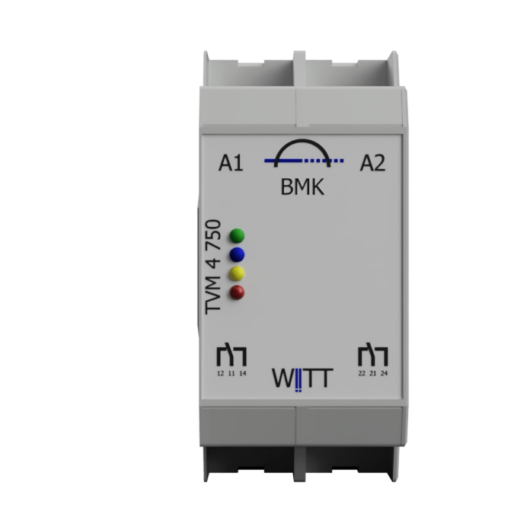
LED1

green

run

Operational status: Continuous ON

LED2

blue

Enable

Approval granted by the line manager

LED3

green

ON/ OFF

Echoed On / OFF

LED4

Rot

Error

Malfunction of the system, sensors or equipment

Operation

No operations are provided for in the standard system

Extensions

Functional enhancement

Maximum current threshold

Display: Threshold exceeded

Minimum current threshold

Value below the displayed threshold

Times
Upcoming event

The time(s) for which a threshold value must remain active before it is displayed

Operation

The following functions may be offered as optional extras. If necessary, further WBex components may need to be added.

Test button

Mittels dieser Optionalen Taste können Meldungen oder Applikationen Manuel aktiviert werden 1)

Reset reading

This option can be used to save maximum or minimum measured values

Approve contact

The enable signal is required when the WB component is operating autonomously and is to be activated or deactivated by a simple signal.

Measurement LCD Display

Current flow
Actual value
Maximum value (since the last reset)
Current direction

parameterisation

For security reasons and in response to numerous requests, the option to configure the system on-site has been omitted.

The thresholds can be set at the factory.

If you require several different threshold values in your systems, you can achieve this using one of our CM1010 / VLD1010 service kits. Different parameter sets and software updates can be stored on the service kit and loaded via an adapter.

Ebenso ist es möglich die Parameter via eines SCADA Systems zu Übertragen (hierzu muss das System mittels einem WB-MC oder WB-HS angeschlossen sein.

Input signals

The functionality of the base components can be extended either through an internal extension OR through an additional WB component or ‘WBex’ extension.

Product

Examples of use

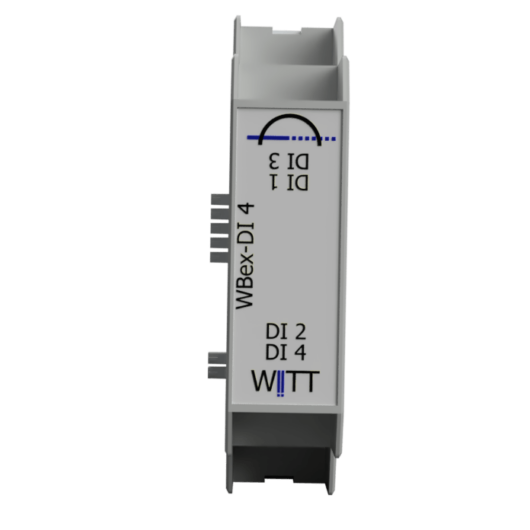
WB extensions: 4 digital inputs

Enable contact 24 V DC,
Reset button

Output signals

The functionality of the base components can be extended either through an internal extension OR through an additional WB component.

Product

Examples of use

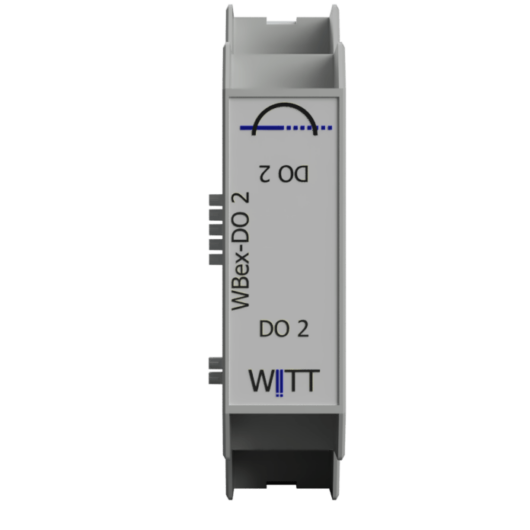
WB extensions 2 digital power outputs

Switching an actuator or signal contacts, e.g. 220 V AC

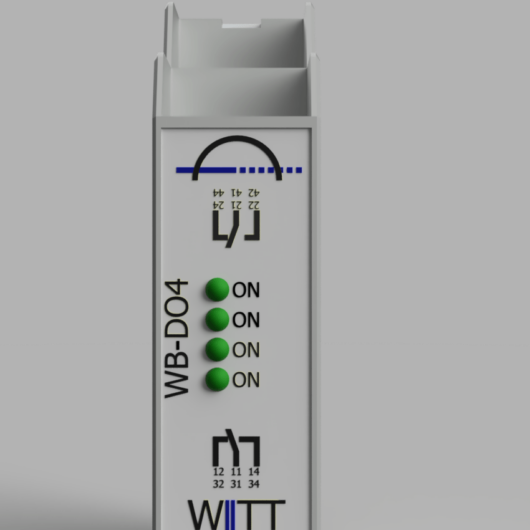
WB extensions 4 digital outputs

SMART OK / NOK Status

WB Component 2: Digital Power Outputs

Simple on-site extension of the component

Contents

• User manual
• Installation guide
• Printed circuit board
• Packaging
• Test report

Protocols and SCADA

Product

Examples of use

WB – Multicommunications

WB-Komponente mittels der die WB-Komponente an z.B. SCADA angegebunden wird

WB – Headstation

These components can be used to carry out any number of complex tasks, such as the analysis of measurement data or graphical displays.

Communication

The following digital values can be transmitted by the component to third-party systems or retrieved by third parties.
The options listed are dependent on the component, configuration, installed options, system architecture and the protocol used.

Values- Output

Input values

Operating status

  1. Error with error code
  2. Run
  3. Standby
  4. Automatik

Command

  1. Perform a self-test
  2. Reset System
  3. Reset Schaltcounter
  4. Reset measuring tips
  5. Switch to standby mode
  6. Switch to automatic mode

Digital Values

The following digital values ​​can be passed on from the components to third-party systems or queried by third parties.
Possibilities are also listed depending on the components, configuration, installed options and system design as well as the protocol used.

values- output

  1. Product type including extension
  2. Serial number including the extension
  3. Article number
  4. Soft and hardware versions
  5. IST VDC current at time of request per channel
  6. Date + max peak VDC current since last reset
  7. Date + last binary signaling e.g. threshold exceeded
  8. Number of switching operations per output channel since commissioning

values ​​input

  1. Threshold values ​​/ target values ​​for switching digital outputs
  2. Threshold values ​​/ target values ​​for escalation via protocol
  3. Software update
  4. Additional parameters for configuring stored individual programs

operational status

  1. Error with error code
  2. Run
  3. Standby
  4. Automatic

Command

  1. Perform self-test
  2. Reset System
  3. Reset switch counter
  4. Reset measurement tips
  5. Switch to standby mode
  6. Switch to automatic mode

You may also like…