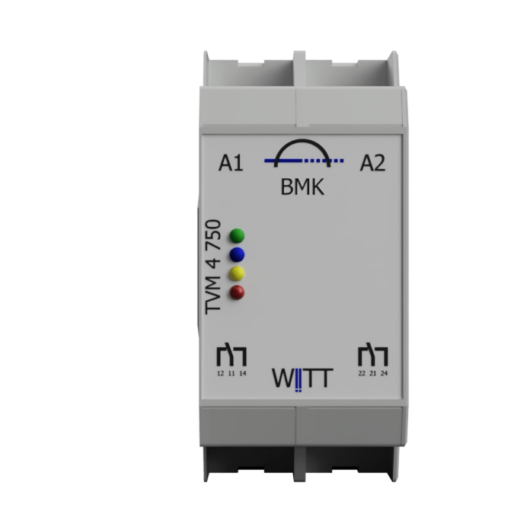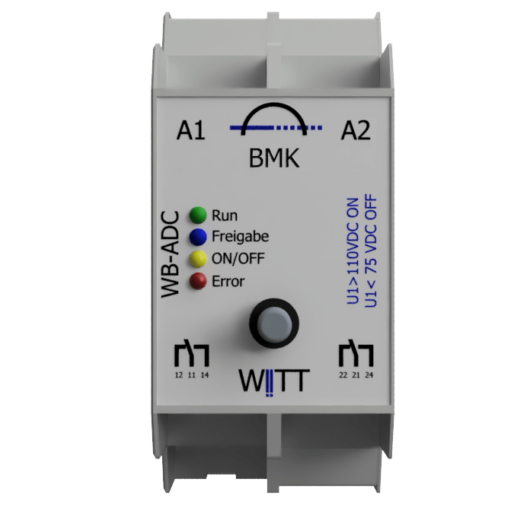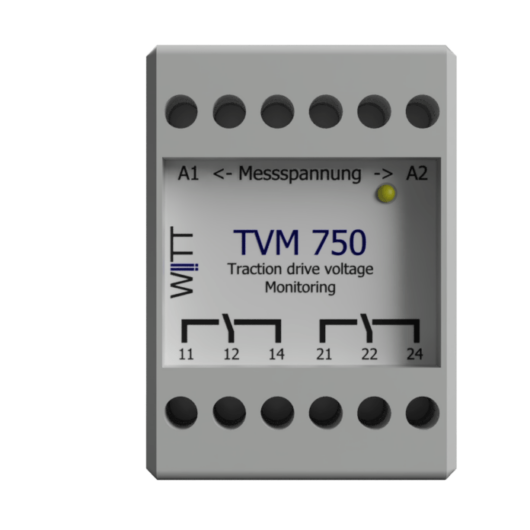
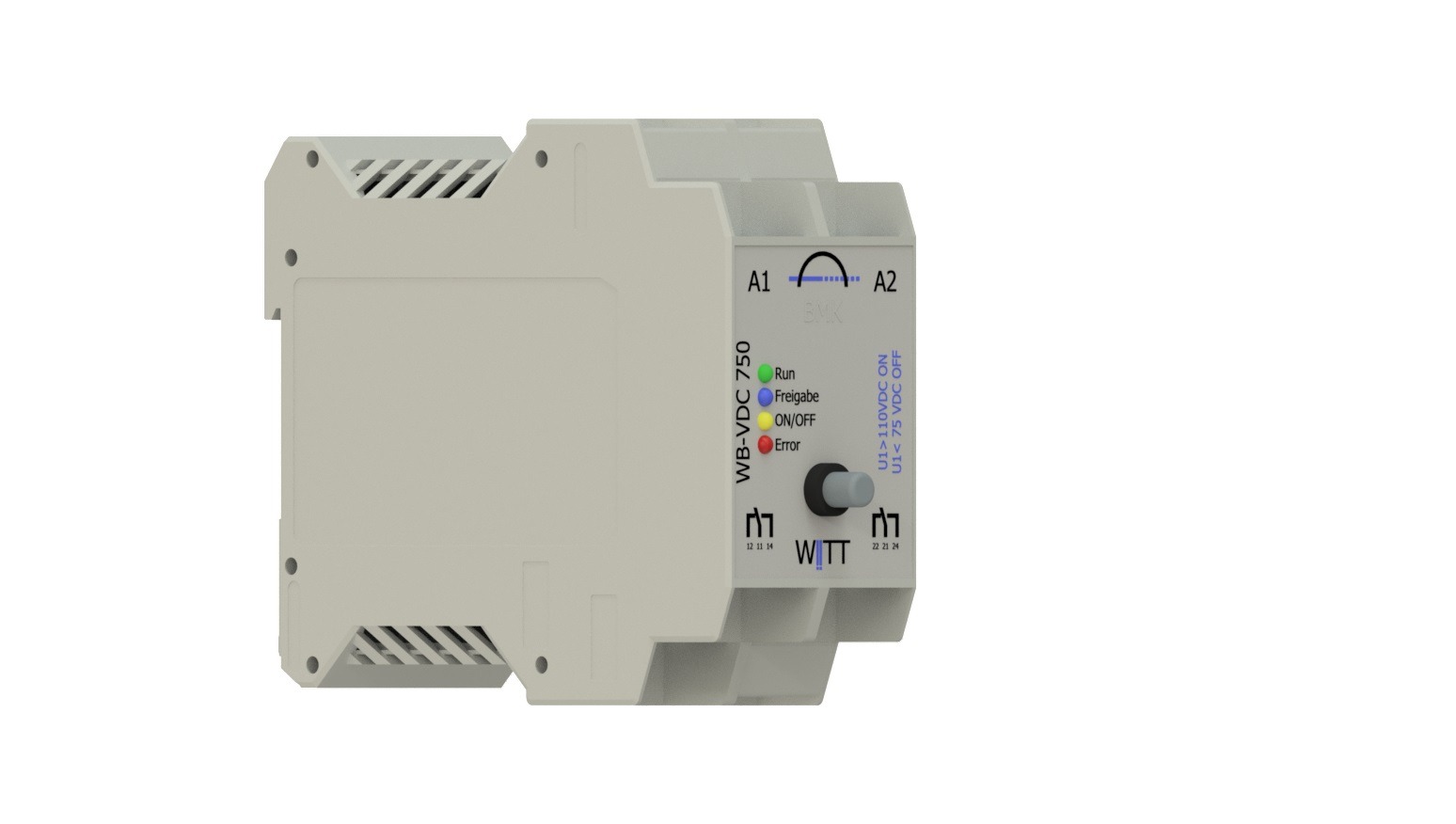
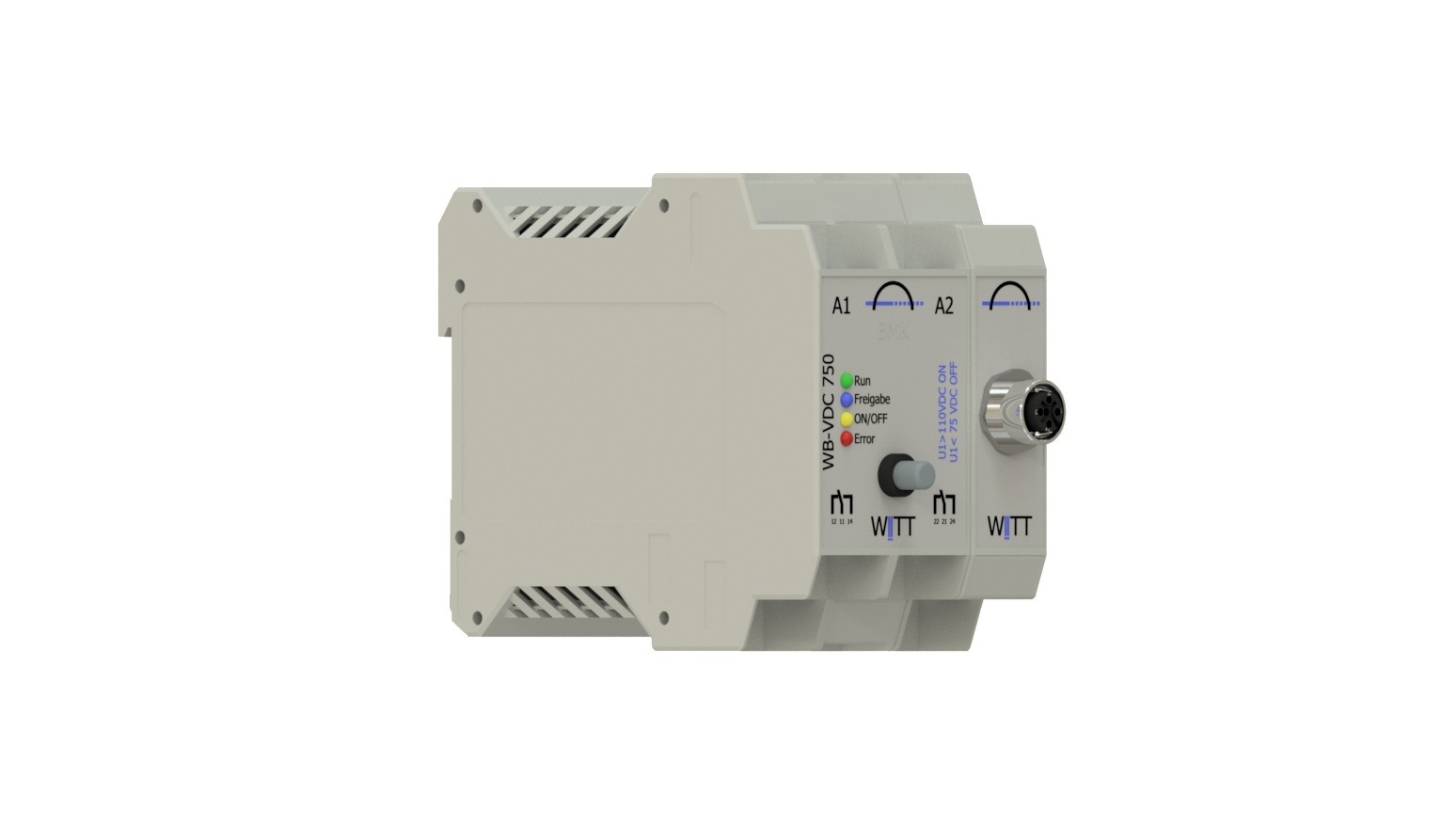
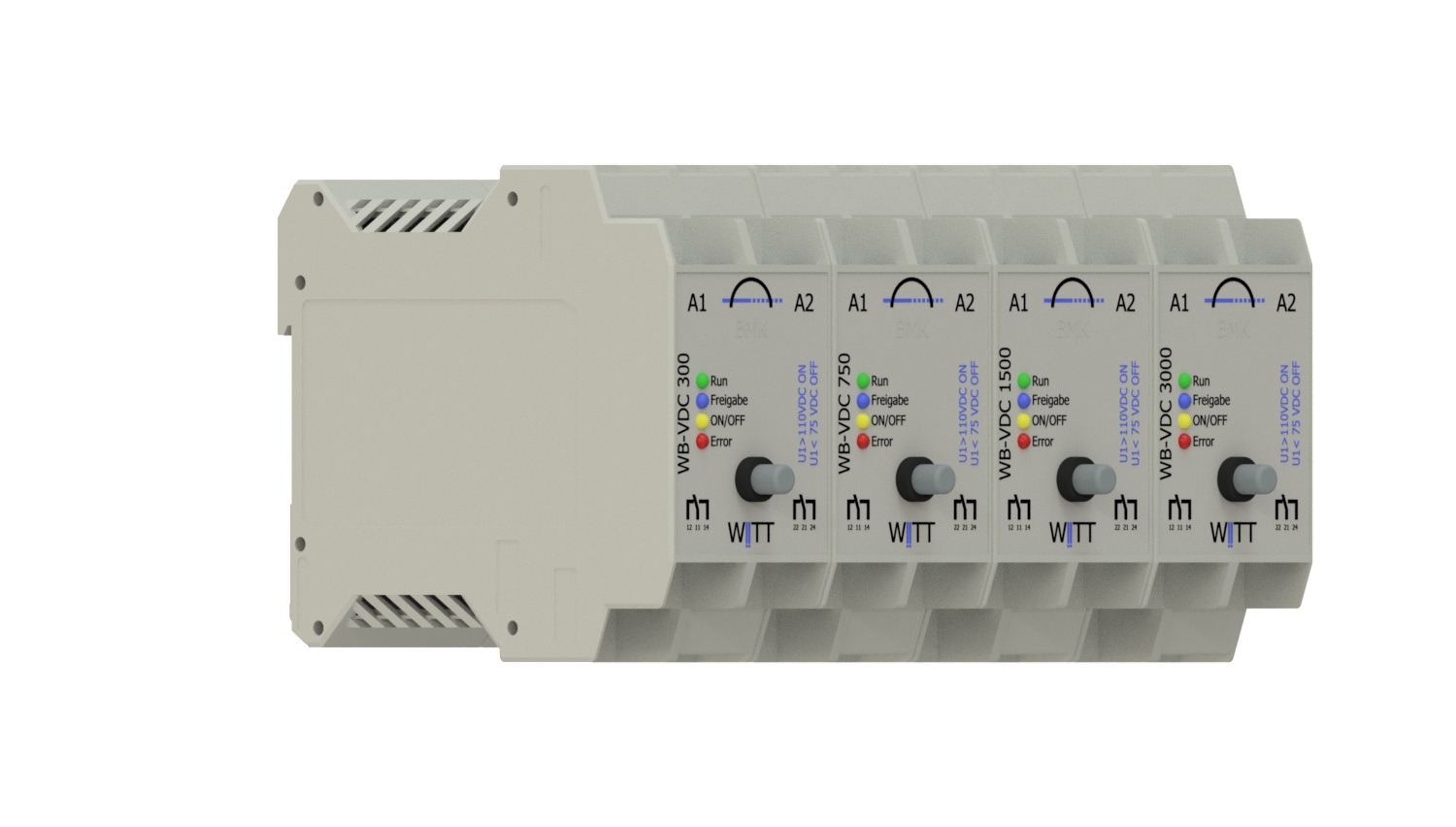
WB-AI – analogue input card
Here you can find out more VertriebsanfrageMeasures DC voltages and AC components
Voltage withstand rating up to 6,000 V DC
- Description
- General data
- Technical data
- Extensions
- Protokoll and SCADA
- Contents
- Digital assets
- Digital assets
- Digital values
Description
The ‘WB-AI’ functional module is used wherever supply voltages of 200 VDC or higher are measured and monitored. Furthermore, the data collected can be used to pass on control decisions to third-party systems.
Examples of applications include:
-
Feed-in points at substations for railway infrastructure
-
Return conductor points at substations in railway infrastructure
-
in the generation and storage of energy
-
Truck charging stations
-
Boat charging station
-
Train charging stations
-
Service battery in a BOAT
General data
|
Supply voltage |
24VDC /100mA |
|
Power consumption |
5W – 15W |
|
Humidity |
0 …100 %, non-condensing |
|
Outdoor temperature range |
-20 … 50 °C |
|
Housing / Design |
T2 (1 TE = 18 mm) (B x H x T) 36mm x 99mm x 105mm |
|
Side-by-side housing |
|
|
Protection rating IP 20 |
|
|
Mounting on a 35 mm DIN rail in accordance with EN 60715 |
|
|
Mains connection and inputs and outputs: |
– Screw terminals, |
|
Weight |
ca. 250g |
parameterisation
For safety reasons and in response to numerous requests, the option to configure the device on site has been omitted.
The thresholds can be set at the factory.
If you require several different threshold values in your systems, you can achieve this using the CM1010 / VLD1010 service kit. Different parameter sets and software updates can be stored on the service kit and loaded via an adapter.
It is also possible to transmit the parameters via a SCADA system (for this, the system must be connected via a WB-MC or WB-HS).
Technical data
standard WB-AI
Analogue input channels (measurement channels)
The rated voltages are based on the typical power supply for DC railways.
|
max. Measuring range |
+/-345V |
+/-860V |
+/-1725V |
+/-3450V |
|
Max. rated voltage VDC |
300 |
750 |
1500 |
3000 |
|
Dielectric strength VDC |
1000 / 10sek |
2000 / 10sec |
3000 / 10sek |
6000 / 10sek |
|
measurement accuracy |
See measurement channel variants |
|||
We offer two types of measurement channels:
|
Product type |
withe line |
silver line |
|---|---|---|
|
Measurement channels |
2 |
|
|
Samplingrate |
up to 15kHz |
up to 25kHz |
|
Resolution |
up to8 Bit |
up to 16 Bit |
|
measurement accuracy |
5% from the maximum value |
0,5% from the maximum value |
Digital output channels
|
Quantity |
2 |
|
Technology |
Relay with 2 separate changeover contacts (NC/ NO) |
|
Switching voltage |
max. 250 V |
|
Switching current |
max. 8 A |
|
Switching capacity |
max. 2000 VA / 60 W |
|
Dielectric strength between coil and contacts |
max. 4 kVAC |
|
Switching cycles at Imax |
> 1.000.000 |
|
Dielectric strength (contact-to-contact) |
max. 2000VAC |
Advertisements
Possible variants depending on the range of functions or options
|
LED1 |
green |
Run |
Operational status: Continuous ON |
|
LED2 |
blue |
Enable |
Approval by the maintenance department issued |
|
LED3 |
green |
ON/ OFF |
Echoed On / OFF |
|
LED4 |
red |
Error |
Malfunction of the system, sensors or equipment |
Operation
Extensions
Functional enhancement
|
Threshold value for maximum DC voltage |
Display: Threshold exceeded |
|
Maximum AC voltage threshold |
Display: Threshold exceeded |
|
Minimum DC voltage threshold |
Value below the displayed threshold |
|
Times |
The time(s) for which a threshold value must remain active before it is displayed |
|
Monitored auxiliary voltage for external sensors |
The sensors are connected to the device and powered by it. The current consumption is monitored, and conclusions are drawn regarding the sensor’s functionality. |
|
Number and duration of overvoltage and undervoltage events |
Example: Only when a pulse of> 0.2 ms has occurred more than three times is it counted, and a signal is sent after the fourth occurrence |
|
Any signal delay |
superordinate systems should only trigger an alarm when an actual value falls below or exceeds a threshold |
|
Arbitrary signal pause / minimum signal length |
Ensuring data transfer to third-party systems |
Operation
The following functions may be offered as optional extras. These may also require WBex components
|
Test button |
Mittels dieser Optionalen Taste können Meldungen oder Applikationen Manuel aktiviert werden 1) |
|
Reset reading |
Mittels dieser Option können max. oder min. Messwerte Speicherung gerestted werden 1) |
|
Approve contact |
The enable signal is required when the WB component is operating autonomously and needs to be activated or deactivated by a simple signal. |
|
Measurement LCD Display |
Actual value DC Current AC value |
1)hierzu wird min. ein Kanal der Digitale Eingänge Extansion benötigt
Optional upgrade
Self-test function
This extension enables the two redundant measurement inputs to self-test and detect faults.
Input signals
The functionality of the core components can be extended either through an internal extension OR through an additional WB component or ‘WBex’ extension.
|
Product |
Examples of use |
|
Enable contact 24 V DC, |
Output signals
The functionality of the base components can be extended either through an internal extension OR through an additional WB component.
|
Product |
Examples of use |
|
Switching an actuator or signal contacts, e.g. 220 V AC |
|
|
SMART OK / NOK Status |
|
|
Simple on-site extension of the component |
Protokoll and SCADA
|
Product |
Examples of use |
|
A WB component used to connect the WB component to, for example, SCADA |
|
|
A WB component that enables the WB component to perform any complex tasks, e.g. measurement data analysis or graphical displays |
Contents
-
User manual
-
Installation instructions
-
unit of measurement
-
Packaging
Digital assets
The following digital values can be transmitted by the component to third-party systems or retrieved by third parties.
The options listed are dependent on the component, configuration, installed options, system architecture and the protocol used.
Values- Output
- Product type including extension
- Serial number including the extension
- Item number
- Soft – and Hardware Version
- Actual VDC voltage per channel at the time of the query
- Date + maximum peak VDC value since the last reset
- Date + last binary signal, e.g. threshold exceeded
- Number of switching operations per output channel since commissioning
Input values
- Threshold values / setpoints for switching digital outputs
- Threshold values / target values for escalation via log
- Software Update
- additional parameters for configuring saved custom programmes
Operating status
- Error with error code
- Run
- Standby
- Automatik
Command
- Perform a self-test
- Reset System
- Reset Schaltcounter
- Reset measuring tips
- Switch to standby mode
- Switch to automatic mode
Digital assets
The following digital values can be transmitted by the component to third-party systems or retrieved by third parties.
The options listed are dependent on the component, configuration, installed options, system architecture and the protocol used.
Values- Output
- Product type including extension
- Serial number including the extension
- Item number
- Soft – and Hardware Version
- Actual VDC voltage per channel at the time of the query
- Date + maximum peak VDC value since the last reset
- Date + last binary signal, e.g. threshold exceeded
- Number of switching operations per output channel since commissioning
Input values
- Threshold values / setpoints for switching digital outputs
- Threshold values / target values for escalation via log
- Software Update
- additional parameters for configuring saved custom programmes
Operating status
- Error with error code
- Run
- Standby
- Automatik
Command
- Perform a self-test
- Reset System
- Reset Schaltcounter
- Reset measuring tips
- Switch to standby mode
- Switch to automatic mode
Digital values
The following digital values can be passed on by the components to third-party systems or queried by third parties.
Possibilities are also listed depending on the components, configuration, installed options and system structure as well as the protocol used.
values- output
- Product type including extension
- Serial number including the extension
- Article number
- Soft and hardware versions
- ACTUAL VDC voltage at the time of request per channel
- ACTUAL VAC voltage at time of request per channel
- Date + max peak VDC value since last reset
- Date + max peak VAC value since last reset
- Date + last binary signaling e.g. threshold exceeded
- Number of switching operations per output channel since commissioning
values input
-
- threshold values / target values for switching digital outputs
- Threshold values / target values for escalation via protocol
- Software Update
- Additional parameters for configuring stored individual programs
Operational Status
- Error with error code
- Run
- Standby
- Automatic
Command
- Perform self-test
- Reset System
- Reset switch counter
- Reset measurement tips
- Switch to standby mode
- Switch to automatic mode